Managing hreflang tags across hundreds or thousands of pages can quickly become difficult. Instead of adding hreflang annotations to every page’s HTML, you can manage them centrally through an hreflang sitemap.
An hreflang sitemap helps search engines understand the language and regional variations of your content while keeping implementation organized and scalable.
In this guide, you’ll learn what an hreflang sitemap is, how it works, how to create one, and how to avoid common implementation mistakes.
What Is an Hreflang Sitemap?
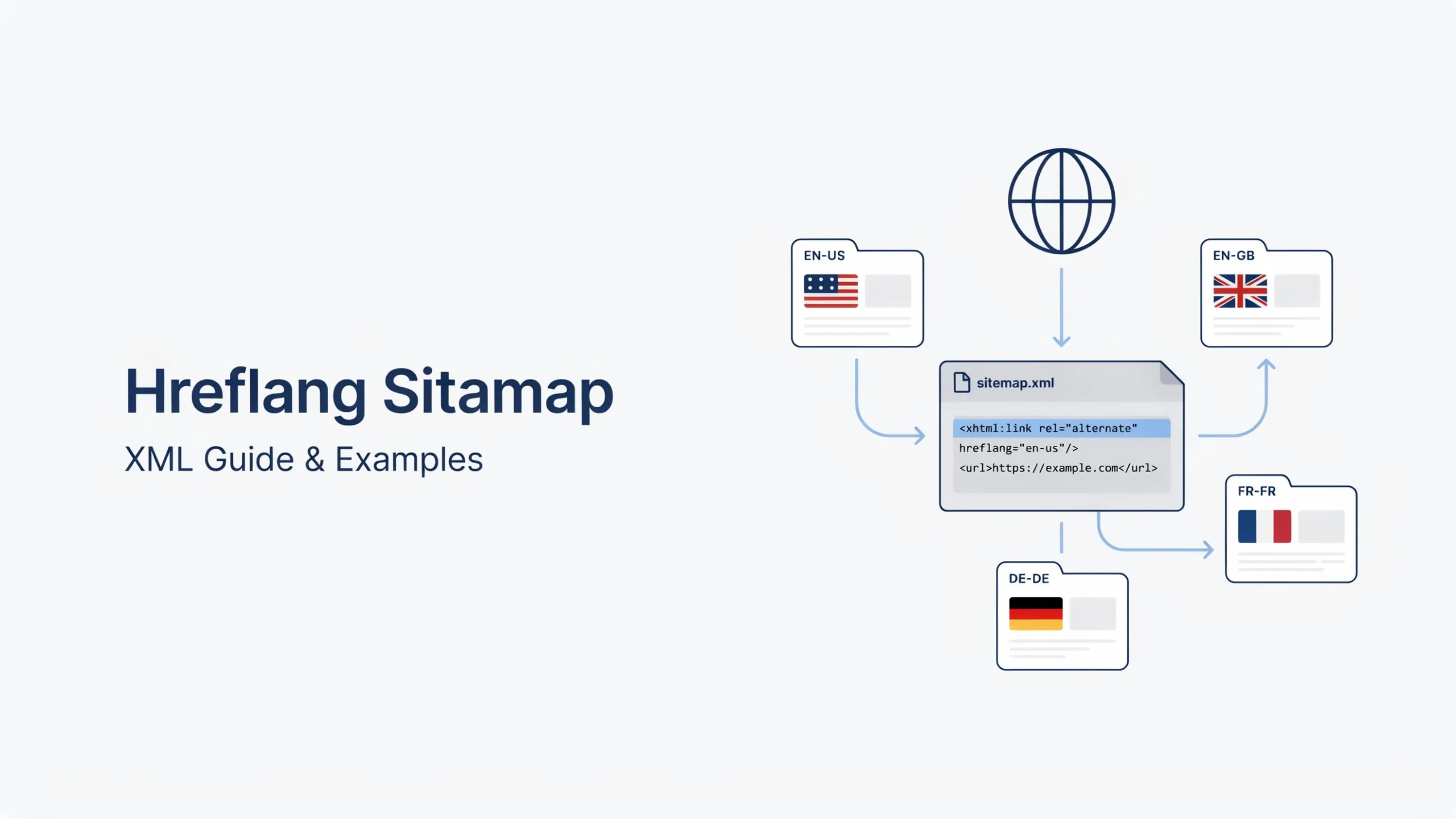
An hreflang sitemap is an XML sitemap that contains hreflang annotations for multilingual or multi-regional pages.
Instead of placing hreflang tags in the HTML head section, you define alternate language and country versions directly within your XML sitemap.
This method tells Google which URLs are equivalent versions of each other for different audiences.
For example:
- English (US): example.com/us/
- English (UK): example.com/uk/
- French (France): example.com/fr/
All versions can be connected through a single XML sitemap.
According to Google Search Central, all language and regional versions should reference one another consistently, regardless of whether hreflang is implemented through HTML tags, HTTP headers, or XML sitemaps.
Source: https://developers.google.com/search/docs/specialty/international/localized-versions
Why Use an Hreflang XML Sitemap?
While HTML hreflang tags work well for smaller websites, XML sitemaps are often preferred for larger international websites.
Benefits include:
- Centralized hreflang management
- Easier updates across thousands of URLs
- Cleaner page source code
- Better scalability for enterprise websites
- Reduced implementation errors
XML sitemap hreflang annotations are especially useful for ecommerce stores, SaaS platforms, travel websites, and multilingual publishers.
Basic Hreflang Sitemap Example
A basic hreflang sitemap entry looks like this:
<url>
    <loc>https://example.com/</loc>

    <xhtml:link
        rel="alternate"
        hreflang="en"
        href="https://example.com/" />

    <xhtml:link
        rel="alternate"
        hreflang="fr"
        href="https://example.com/fr/" />
</url>
In this example:
- The English page targets English-speaking users.
- The French page targets French-speaking users.
- Google understands both URLs as alternate versions.
Understanding the Structure of an Hreflang Sitemap
Let’s break down each component.
<url> Tag in Hreflang
The <url> element contains information about a specific page.
<url>
...
</url>
<loc> in Hreflang
The canonical URL being referenced.
<loc>https://example.com/</loc><xhtml:link>
Defines an alternate version of the page.
<xhtml:link
rel="alternate"
hreflang="fr"
href="https://example.com/fr/" />
rel=”alternate”
Indicates that another version of the page exists.
hreflang
Specifies the language or language-country combination.
Examples:
en
fr
de
en-us
en-gb
es-es
href
Contains the URL of the alternate version.
Hreflang Sitemap Example for Multiple Languages
The following example targets English, French, and German users.
<url>
    <loc>https://example.com/</loc>

    <xhtml:link rel="alternate" hreflang="en" href="https://example.com/" />

    <xhtml:link rel="alternate" hreflang="fr" href="https://example.com/fr/" />

    <xhtml:link rel="alternate" hreflang="de" href="https://example.com/de/" />
</url>
Google can serve the correct version based on the user’s language preference.
Hreflang Sitemap Example for Country Targeting
Country-specific targeting requires language and country codes.
<url>
    <loc>https://example.com/us/</loc>

    <xhtml:link rel="alternate" hreflang="en-us" href="https://example.com/us/" />

    <xhtml:link rel="alternate" hreflang="en-gb" href="https://example.com/uk/" />

    <xhtml:link rel="alternate" hreflang="en-ca" href="https://example.com/ca/" />
</url>
This setup helps search engines display:
- US version to users in the United States
- UK version to users in the United Kingdom
- Canadian version to users in Canada
Hreflang Sitemap Example with x-default
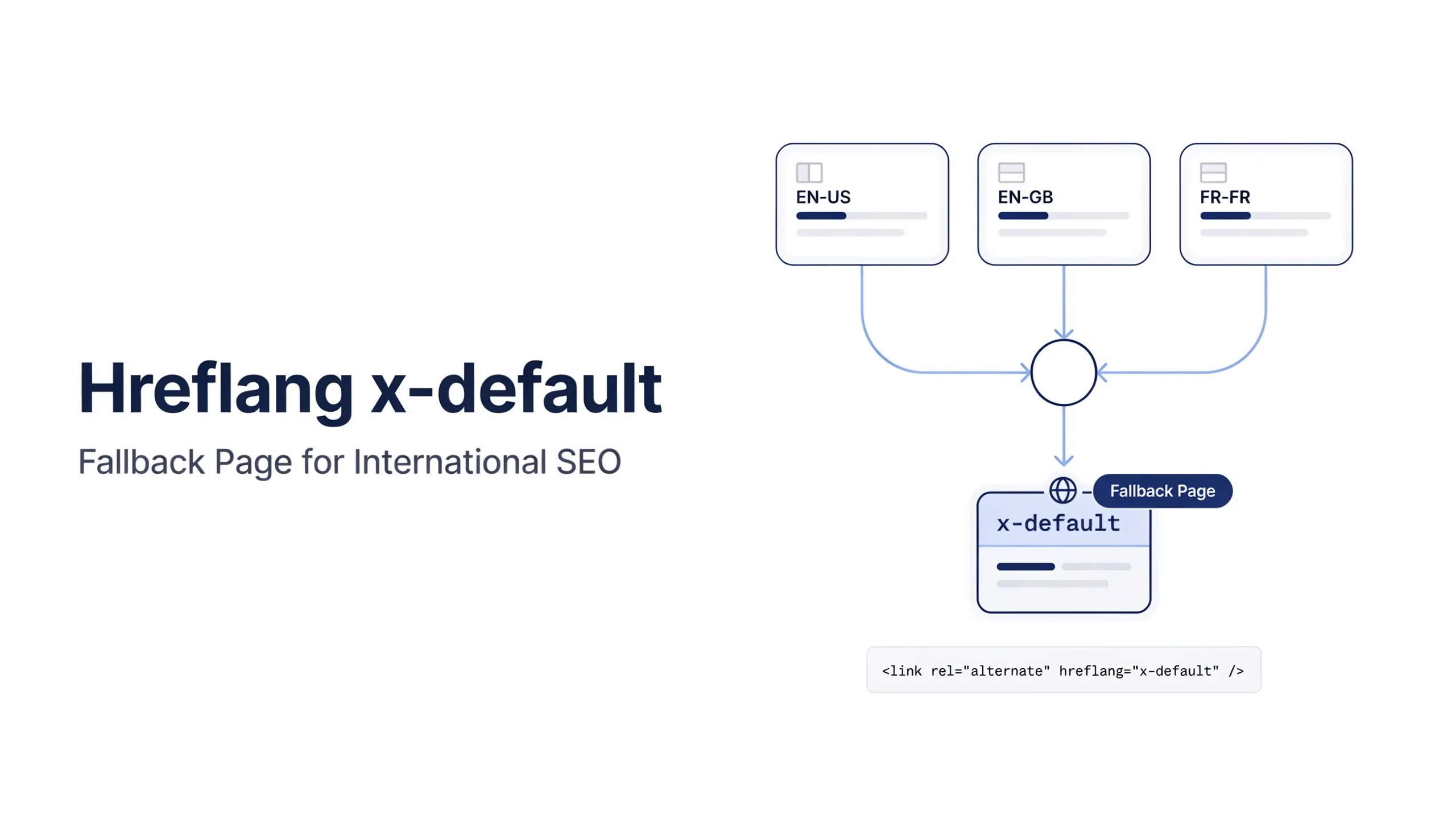
The x-default value acts as a fallback page when no language or region match exists.
<url>
    <loc>https://example.com/</loc>

    <xhtml:link rel="alternate" hreflang="en-us" href="https://example.com/us/" />

    <xhtml:link rel="alternate" hreflang="en-gb" href="https://example.com/uk/" />

    <xhtml:link rel="alternate" hreflang="x-default" href="https://example.com/" />
</url>
Many international websites use their language selector page as the x-default URL.
Required XML Namespace Declaration
Your sitemap must include the XHTML namespace.
Example:
<?xml version="1.0" encoding="UTF-8"?>

<urlset
xmlns="http://www.sitemaps.org/schemas/sitemap/0.9"
xmlns:xhtml="http://www.w3.org/1999/xhtml">

</urlset>
Without this declaration, search engines may ignore your hreflang annotations.
XML Sitemap vs HTML Hreflang Tags
| XML Sitemap | HTML Hreflang Tags |
|---|---|
| Managed centrally | Managed page-by-page |
| Easier for large websites | Easier for small websites |
| No HTML modification required | Requires page template changes |
| Better scalability | Better for simple setups |
| Ideal for enterprise SEO | Ideal for small multilingual sites |
Both methods are valid.
The best choice depends on the size and complexity of your website.
When Should You Use an Hreflang Sitemap?
An hreflang XML sitemap is often the better option when:
Ecommerce Stores
Thousands of product pages across multiple countries.
SaaS Platforms
Regional landing pages for different markets.
Travel Websites
Localized content for multiple destinations and languages.
Enterprise Websites
Large international websites with extensive content libraries.
News and Publishing Sites
Multiple language versions of articles and categories.
Common Hreflang Sitemap Errors
Even small mistakes can prevent Google from processing your hreflang annotations.
1. Missing Return Links
All alternate pages must reference each other.
2. Invalid Language Codes
Incorrect ISO language codes can invalidate annotations.
Example:
❌ eng-US
✅ en-us
3. Invalid Country Codes
Always use valid ISO country codes.
Example:
❌ en-UK
✅ en-gb
4. Missing Self-Referencing URLs
Each URL should reference itself in the hreflang cluster.
5. Non-Canonical URLs
Hreflang URLs should generally point to canonical pages.
6. Missing x-default
A fallback URL is recommended for global audiences.
For a complete list of implementation issues, see our guide on Hreflang Errors and Solutions.
Hreflang Sitemap Best Practices
Follow these recommendations for a reliable implementation:
- Use valid language and country codes.
- Include self-referencing hreflang annotations.
- Ensure reciprocal linking between all versions.
- Use canonical URLs.
- Keep sitemap entries consistent.
- Include x-default when appropriate.
- Validate sitemap syntax regularly.
- Update hreflang clusters whenever URLs change.
How to Validate an Hreflang Sitemap
Before submitting your sitemap, verify:
✅ All alternate URLs are accessible
✅ Language codes are valid
✅ Country codes are valid
✅ Return links exist
✅ Self-referencing entries exist
✅ Canonical URLs are used
✅ x-default is configured correctly
Regular validation helps prevent indexing and international targeting issues.
Check Your Hreflang Sitemap
A single error in your hreflang sitemap can affect how search engines serve localized pages.
Use our Hreflang Checker to validate language codes, alternate URLs, return links, x-default values, and sitemap implementation before submitting your pages to Google.
Frequently Asked Questions
Can I use hreflang in XML sitemaps instead of HTML?
Yes. Search engines support hreflang implementation through XML sitemaps, HTML tags, and HTTP headers.
Is an hreflang sitemap better than HTML tags?
Neither method is inherently better. XML sitemaps are typically easier to manage for large international websites.
Can I use both HTML hreflang tags and XML sitemaps?
Yes. Both methods can be used together as long as the annotations remain consistent.
Does every URL need self-referencing hreflang annotations?
Yes. Each page should include a reference to itself within the hreflang cluster.
Do hreflang sitemaps help SEO?
They do not directly improve rankings. However, they help search engines serve the correct language or regional page to users, improving international search visibility.