
If you manage a multilingual or multi-regional website, you’ve probably heard about canonical tags and hreflang tags. Since both tags reference another URL, many website owners assume they do the same thing. This is one of the most common technical SEO misunderstandings.
In reality, these tags solve two completely different problems. A canonical tag tells search engines which URL should be treated as the preferred version when multiple pages have identical or very similar content. A hreflang tag tells search engines which language or regional version of a page should be shown to users based on their language and location.
Using the wrong tag or configuring them incorrectly can confuse search engines. It may cause the wrong page to be indexed, the wrong language to appear in search results, or important localized pages to lose visibility.
In this guide, you’ll learn the difference between canonical and hreflang, when to use each one, how they work together, and the common mistakes to avoid. Whether you run an international eCommerce store, a multilingual blog, or a global business website, understanding these two tags will help improve your international SEO and ensure users reach the right version of your content.
Canonical vs Hreflang: Quick Comparison
| Feature | Canonical Tag | Hreflang Tag |
|---|---|---|
| Primary Purpose | Selects the preferred URL for indexing | Selects the correct language or regional page |
| Solves | Duplicate content issues | Language and country targeting |
| Used For | Similar or duplicate URLs | Multilingual and multi-regional websites |
| Affects | Indexing | Search result language selection |
| Helps With | Consolidating ranking signals | Serving the right audience |
| Can Be Used Together | Yes | Yes |
| Replaces the Other | No | No |
Canonical vs Hreflang: The Difference in One Minute
A canonical tag tells Google which version of a page should be indexed when multiple URLs contain the same or nearly the same content. It helps search engines understand which page is the preferred version.
A hreflang tag tells Google which language or regional version of a page should appear for users in different countries or languages. It doesn’t choose which page gets indexed. Instead, it helps Google show the most relevant version to each user.
In simple words, canonical manages duplicate pages, while hreflang manages language and regional variations. On multilingual websites, both tags usually work together rather than replacing each other.
What Is a Canonical Tag?
A canonical tag is an HTML tag that tells search engines which URL should be treated as the main version of a page. When multiple URLs have identical or very similar content, Google may not know which one should appear in search results. The canonical tag removes this confusion by pointing to the preferred URL.
For example, a product page might be accessible through different URLs because of filters, categories, or tracking parameters. Instead of indexing every version, Google can index only the preferred page when a canonical tag is used correctly.
A canonical tag does not redirect users to another page. It simply gives search engines a signal about which URL should receive the ranking signals and appear in search results.
When Should You Use a Canonical Tag?
You should use a canonical tag whenever multiple URLs represent the same content or nearly the same content. Common situations include product pages in different categories, URLs with tracking parameters, printer-friendly pages, filtered pages, and session-based URLs.
Using canonical tags correctly helps consolidate ranking signals, reduce duplicate content issues, and improve crawling efficiency.
What Is a Hreflang Tag?
A hreflang tag is an HTML attribute that tells search engines which language and regional version of a page should be shown to users. It helps Google understand that multiple pages are localized versions of the same content instead of unrelated pages.
For example, you may have an English page for the United States, an English page for the United Kingdom, and a German version for users in Germany. Hreflang tells Google which version should appear depending on the user’s language and location.
Unlike canonical tags, hreflang does not tell Google which page to index. Its only purpose is to help search engines deliver the most relevant localized page.
When Should You Use Hreflang?
Hreflang should be used when your website serves content in multiple languages, targets different countries, or has translated versions of the same page.
It is especially important for international websites because it improves user experience by directing visitors to the version they can understand.
Canonical vs Hreflang: Key Differences
Although both tags provide instructions to search engines, they have completely different goals.
Purpose
A canonical tag identifies the preferred version of similar pages for indexing. A hreflang tag identifies the correct language or regional version for search users.
Duplicate Content
Canonical tags help search engines consolidate duplicate or similar pages into one preferred URL. Hreflang tags do not fix duplicate content. They simply connect localized versions of a page.
Indexing
Canonical tags influence which URL Google prefers to index. Hreflang tags do not decide indexing. They help Google choose which indexed page should be shown to a specific audience.
Language and Country Targeting
Canonical tags have nothing to do with language or country targeting. Hreflang tags are specifically designed for multilingual and multi-regional websites.
User Experience
Canonical tags improve SEO by reducing duplicate content problems. Hreflang improves user experience by showing visitors content in their preferred language or region.
Can You Use Canonical and Hreflang Together?
Yes. In fact, most multilingual websites should use both.
A canonical tag tells Google which URL is the preferred version within the same language or page variation. A hreflang tag then connects that page with its translated or regional alternatives.
For example, imagine your website has English, German, and French versions of the same page. Each version should normally have its own self-referencing canonical tag because each language page is unique. Those pages should then reference each other using hreflang tags.
This allows Google to index every language version while still showing the correct one to users in different countries.
Using both tags together provides clear signals and reduces the chances of indexing or localization issues.
How Google Uses Canonical and Hreflang Together
Google first discovers and crawls your pages. It then looks at canonical tags to understand which URLs are preferred versions. After that, it evaluates the hreflang annotations to understand the relationship between different language and regional pages.
When someone searches, Google tries to display the page that best matches the user’s language and location. If your canonical and hreflang tags are correctly implemented, Google can easily understand both the preferred URL and its localized alternatives.
When these signals conflict, Google may ignore one of them or choose a different page than you intended. That’s why both tags should support each other instead of sending contradictory instructions.
When Should You Use a Canonical Tag?
A canonical tag should be used whenever multiple URLs display the same or nearly the same content. It tells search engines which URL should receive the ranking signals and appear in search results.
Pages With Duplicate Content
If your website has duplicate pages created by different URLs, use a canonical tag to point to the preferred version. This helps Google understand which page should be indexed.
URLs With Parameters
Tracking parameters, sorting options, and filter parameters can create multiple versions of the same page. Adding a canonical tag ensures Google focuses on the original URL instead of indexing every variation.
Product Pages in Multiple Categories
An eCommerce product can often be accessed through different category URLs. Instead of allowing every URL to compete in search results, point them to the preferred product URL using a canonical tag.
Printer-Friendly or Session URLs
Printer-friendly pages and session-based URLs usually contain the same content as the original page. A canonical tag prevents unnecessary duplicate pages from being indexed.
When Should You Use Hreflang?
Hreflang should be used whenever your website targets users in different languages or countries.
Multilingual Websites
If your content is available in more than one language, every translated page should be connected using hreflang tags. This helps Google display the correct language version to users.
Multi-Regional Websites
If you have separate pages for different countries, such as the US, UK, Australia, or Canada, hreflang helps Google show the correct regional page.
Country-Specific Content
Even if two pages are written in the same language, they may target different countries with different pricing, currency, or shipping information. Hreflang helps search engines understand these regional differences.
Translated Content
If you translate your pages into different languages, hreflang tells Google that these pages are localized versions of the same content instead of unrelated pages.
When Should You Use Both Together?
If your website has multiple language or country versions, you should usually use canonical and hreflang together.
Each localized page should normally have a self-referencing canonical tag pointing to itself. Then, all language and regional versions should be connected using hreflang annotations.
For example, if your website has English, German, and French versions of a page, each page should keep its own canonical URL while linking to the other language versions through hreflang.
This allows Google to index every localized page while showing the correct version to users in different regions.
What Happens When Canonical and Hreflang Conflict?
Conflicting signals are one of the most common international SEO mistakes.
For example, imagine your German page has a canonical tag pointing to the English page, but its hreflang tag says the German page should appear for German users.
The canonical tag tells Google that the English page is the preferred version, while the hreflang tag asks Google to show the German page. These signals contradict each other.
As a result, Google may ignore the hreflang annotation or choose a different page than you expected.
To avoid this problem, every localized page should normally use a self-referencing canonical tag and be included in the same hreflang cluster.
Common Canonical and Hreflang Mistakes
Many international SEO problems happen because of small implementation errors.
Using a canonical tag that points to another language version is one of the biggest mistakes. Every translated page should normally reference itself unless there is a specific reason not to.
Another common issue is forgetting self-referencing hreflang annotations or return links. Every page in a hreflang group should reference itself and all of its alternate versions.
Using invalid language or country codes can also prevent Google from understanding your implementation. Always use valid ISO language and country codes.
Broken URLs, redirected URLs, or non-canonical URLs inside hreflang annotations should also be avoided because they send mixed signals to search engines.
Finally, many website owners try to use canonical tags instead of hreflang or vice versa. Remember that these tags solve different problems and should not replace each other.
Best Practices
Use self-referencing canonical tags on every language or regional page unless there is a valid reason to choose another canonical URL.
Connect all localized pages with reciprocal hreflang annotations so Google understands their relationship.
Use valid language and country codes such as en, en-US, en-GB, de, and fr-CA.
Make sure every hreflang URL is live, indexable, and points to its canonical version.
Keep your canonical and hreflang signals consistent. They should support each other instead of sending conflicting instructions.
Regularly test your implementation using an hreflang checker or technical SEO auditing tool to find errors before they affect your rankings.
Frequently Asked Questions
What is the difference between canonical and hreflang?
A canonical tag selects the preferred URL, while a hreflang tag selects the correct language or regional version for users.
Can I use canonical and hreflang together?
Yes, multilingual and multi-regional websites should usually use both together.
Does hreflang replace canonical?
No, hreflang does not replace canonical because they solve different SEO problems.
Does canonical replace hreflang?
No, a canonical tag cannot tell Google which language page should appear.
Which tag is better for multilingual websites?
Most multilingual websites need both canonical and hreflang.
Does canonical fix duplicate content?
Yes, it helps Google identify the preferred version of duplicate or similar pages.
Does hreflang fix duplicate content?
No, hreflang only identifies language and regional alternatives.
Can canonical point to another language page?
In most cases, no. Each translated page should normally use a self-referencing canonical tag.
What happens if canonical and hreflang conflict?
Google may ignore one of the signals or select a different page for search results.
Does every translated page need a canonical tag?
Yes, every translated page should normally have its own self-referencing canonical tag.
Does every translated page need hreflang?
Yes, if you want Google to understand the relationship between different language versions.
What is a self-referencing canonical?
It is a canonical tag that points to the current page itself.
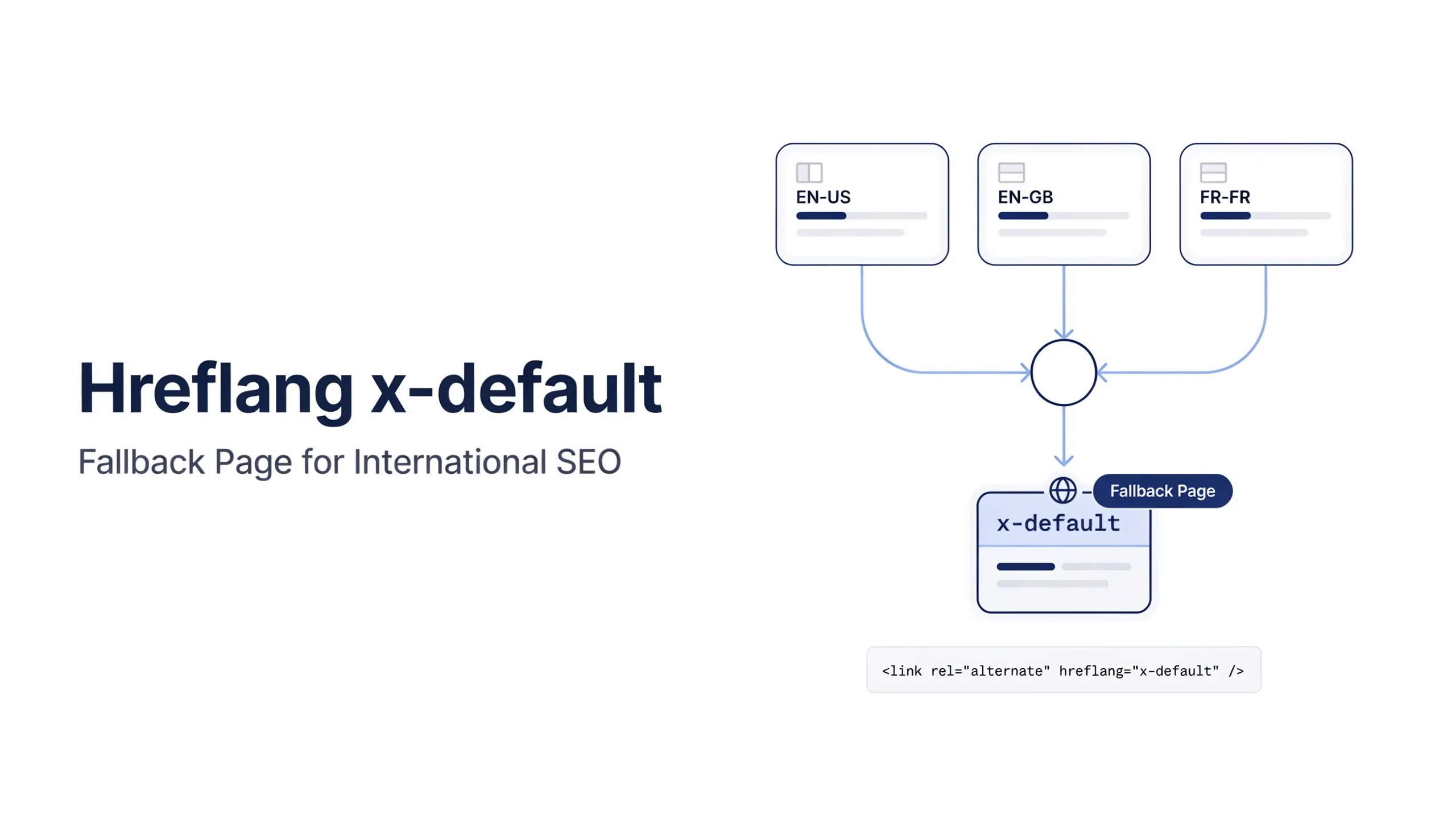
What is x-default in hreflang?
The hreflang x-default value identifies the default page for users who don’t match any specific language or region.
Can Google ignore canonical tags?
Yes, Google treats canonical tags as strong hints, not absolute directives.
Can Google ignore hreflang tags?
Yes, Google may ignore hreflang annotations if they contain errors or conflicting signals.
Should canonical and hreflang point to the same page?
A canonical tag should normally point to the page itself, while hreflang points to all language and regional alternatives, including the current page.
Is hreflang required for international SEO?
It is highly recommended for multilingual and multi-regional websites.
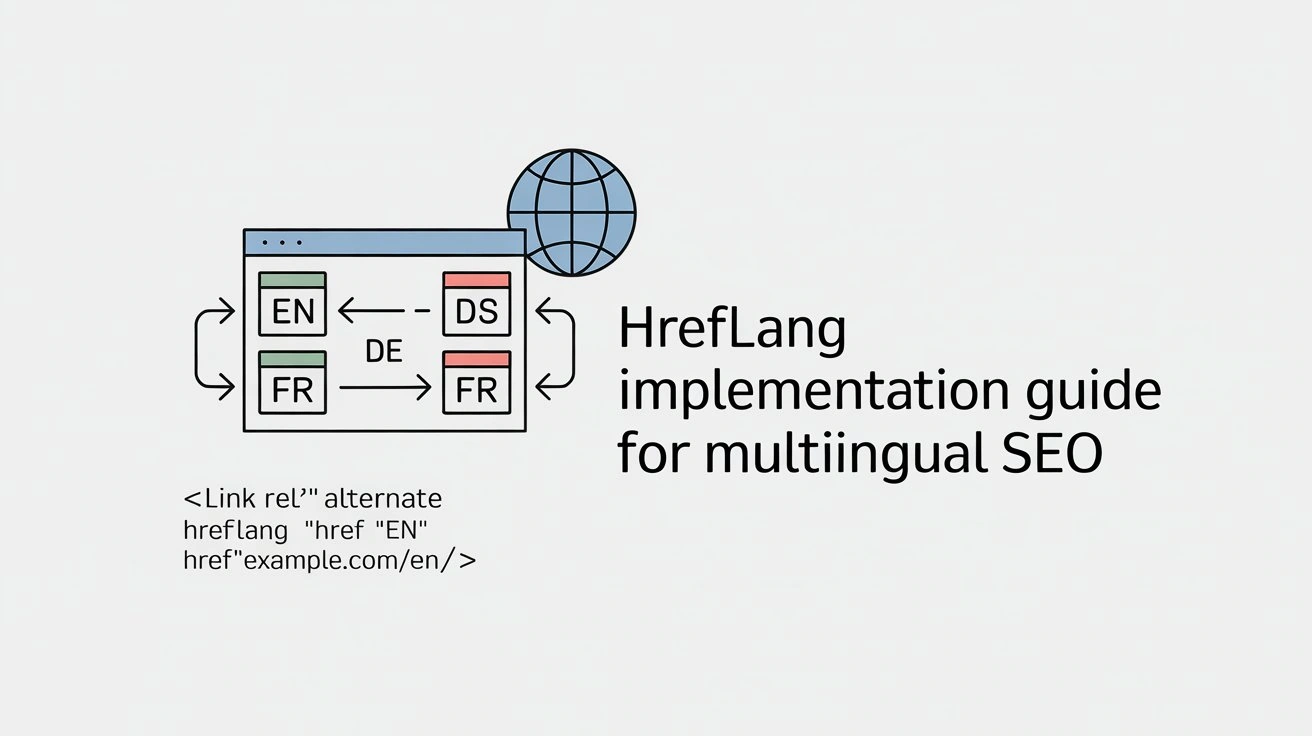
Can hreflang be implemented in HTML?
Yes, HTML is one of the supported implementation methods.
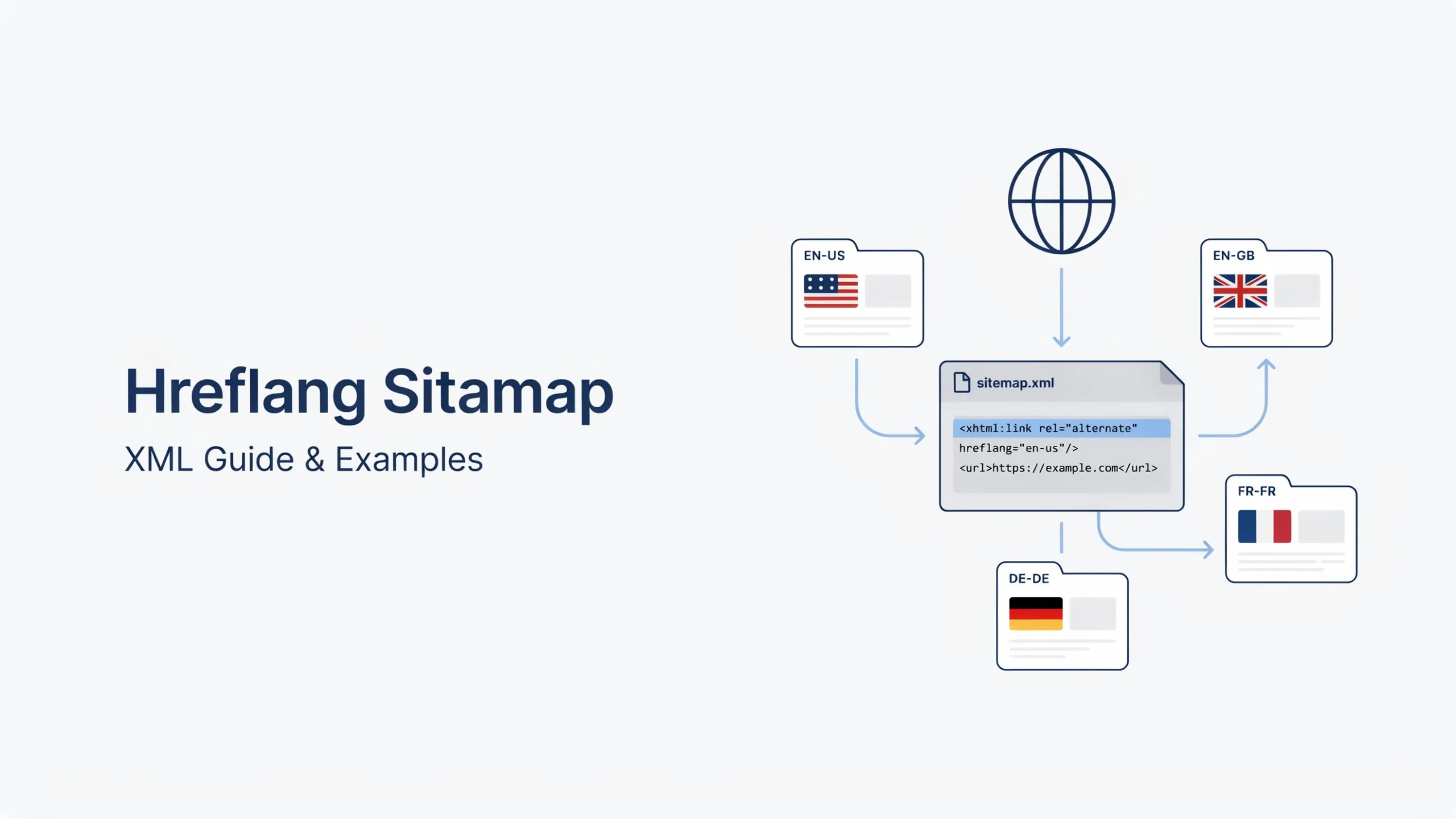
Can hreflang be implemented in XML sitemaps?
Yes, XML sitemaps are fully supported for hreflang implementation.
Can hreflang be implemented using HTTP headers?
Yes, HTTP headers can be used, especially for non-HTML files like PDFs.