When implementing hreflang tags, most website owners focus on language and country codes such as en-us, en-gb, or fr-fr. However, there is another hreflang value that plays an important role in international SEO: x-default.
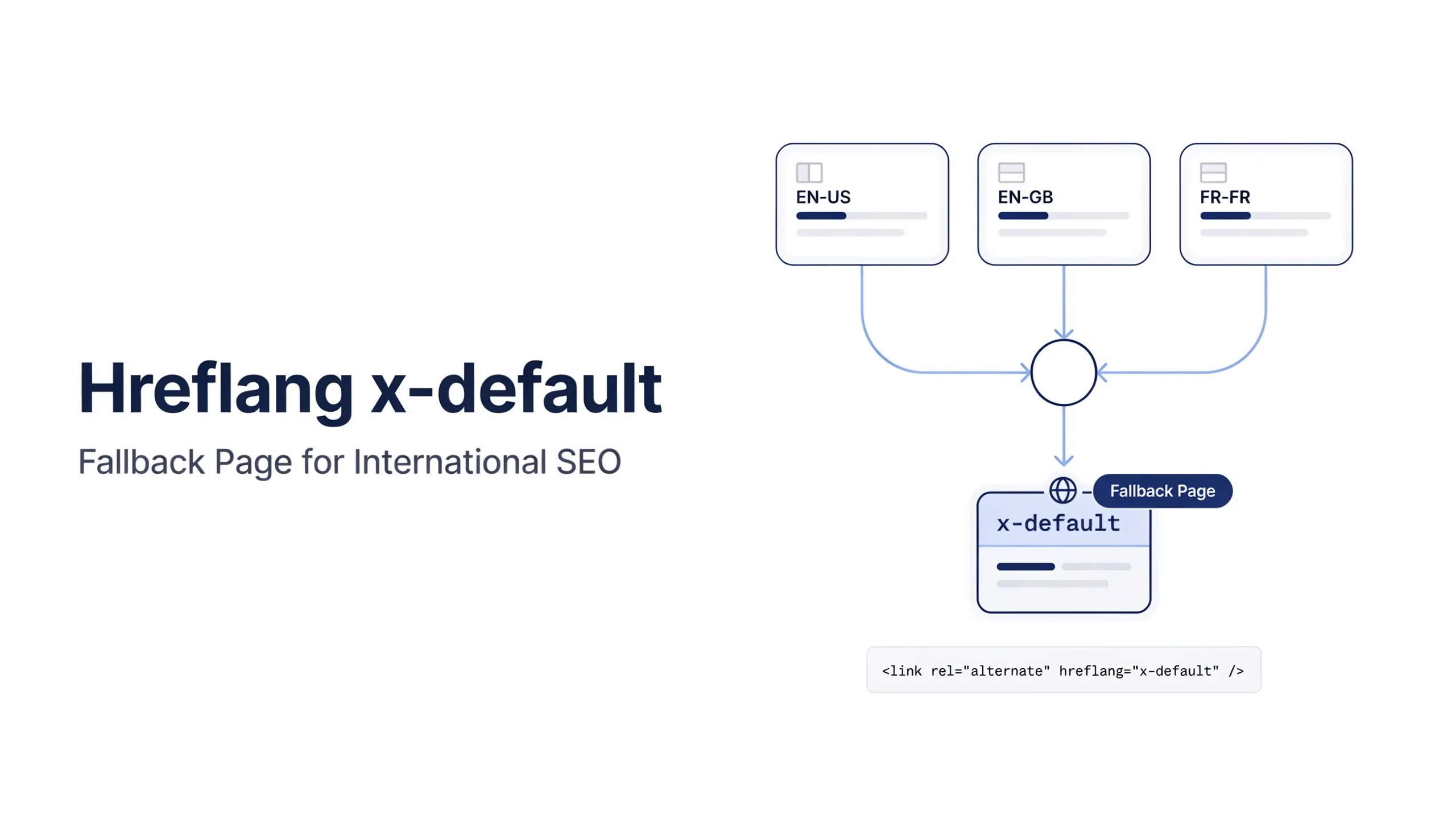
The x-default hreflang value tells search engines which page should be shown when none of your language or regional versions are a suitable match for the user.
Think of it as a fallback option. Instead of forcing Google to choose between several localized pages, you can explicitly tell it which URL should be used when no language or country targeting applies.
A typical x-default implementation looks like this:
<link rel="alternate" hreflang="x-default" href="https://example.com/" />For multilingual and multi-regional websites, this helps create a better user experience and provides clearer targeting signals to search engines.
What Is Hreflang x-default?
Hreflang x-default is a special hreflang value that identifies the default page within a hreflang cluster. It is used when a user does not match any of the specified language or country versions.
Unlike language-specific hreflang values such as en-us or de-de, x-default does not target a particular audience. Instead, it serves as a fallback destination.
Google introduced x-default specifically for international websites that offer content to users from multiple countries and languages.
As Google explains:
“The x-default value signals that the page doesn’t target a specific language or locale.”
Source : https://developers.google.com/search/blog/2013/04/x-default-hreflang-for-international-pages
This makes x-default particularly useful for global websites that serve visitors from many different regions.
For example, imagine a website with the following language versions:
- English (United States)
- English (United Kingdom)
- French (France)
The hreflang annotations might look like this:
<link rel="alternate" hreflang="en-us" href="https://example.com/us/" />

<link rel="alternate" hreflang="en-gb" href="https://example.com/uk/" />

<link rel="alternate" hreflang="fr-fr" href="https://example.com/fr/" />

<link rel="alternate" hreflang="x-default" href="https://example.com/" />
If a user from France performs a search, Google can show the French version.
If a user from the United Kingdom performs a search, Google can show the UK version.
However, if a user from Japan visits and there is no Japanese page available, Google can use the x-default URL as the fallback page.
Without x-default, search engines may still choose one of the available versions, but you lose control over which page is selected.
How Does x-default Work?
The easiest way to understand x-default is to think of it as the final option in a decision tree.
Google first checks whether a matching language or country-specific version exists. If it finds a suitable match, it serves that page. If no suitable version exists, it can use the x-default URL.
The process looks something like this:
User from United States
↓
Show en-us page

User from United Kingdom
↓
Show en-gb page

User from France
↓
Show fr-fr page

No matching language or country version
↓
Show x-default page
This behavior helps prevent users from landing on a page that was designed for a completely different audience.
For example, imagine an ecommerce store that operates in the United States, Canada, Germany, and France.
A visitor from Australia may not be an exact match for any of those regions.
Instead of showing a German or French version by mistake, Google can send the visitor to a neutral international page using x-default.
This is one of the main reasons why x-default is recommended for large international websites.
You can use our Hreflang Validator Tool to check all the available hreflang tags including the X-Default tag.
Hreflang x-default Syntax
The syntax for x-default is almost identical to any other hreflang annotation.
The only difference is the value used within the hreflang attribute.
<link rel="alternate" hreflang="x-default" href="https://example.com/" />Each part of the tag serves a specific purpose.
| Element | Purpose |
|---|---|
| rel=”alternate” | Indicates an alternative version exists |
| hreflang=”x-default” | Defines the URL as the fallback page |
| href=”URL” | Specifies the destination URL |
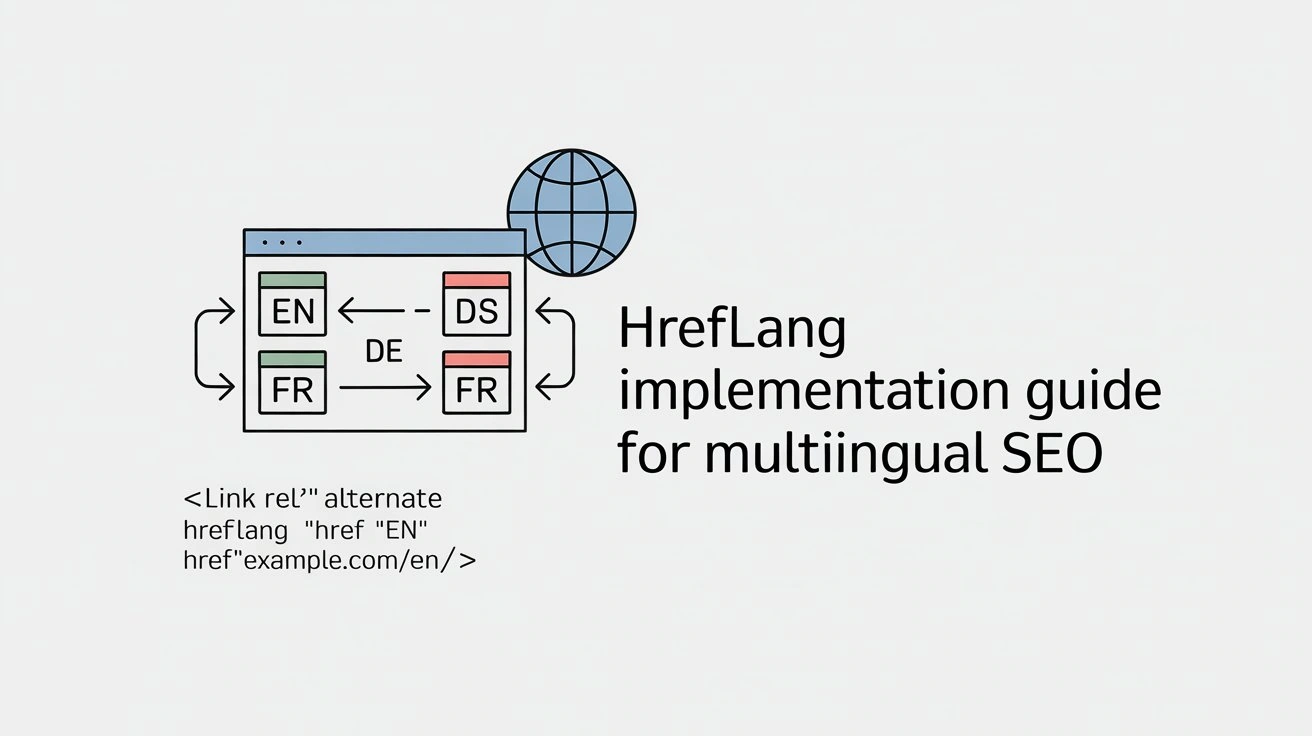
Hreflang x-default implementation Guide
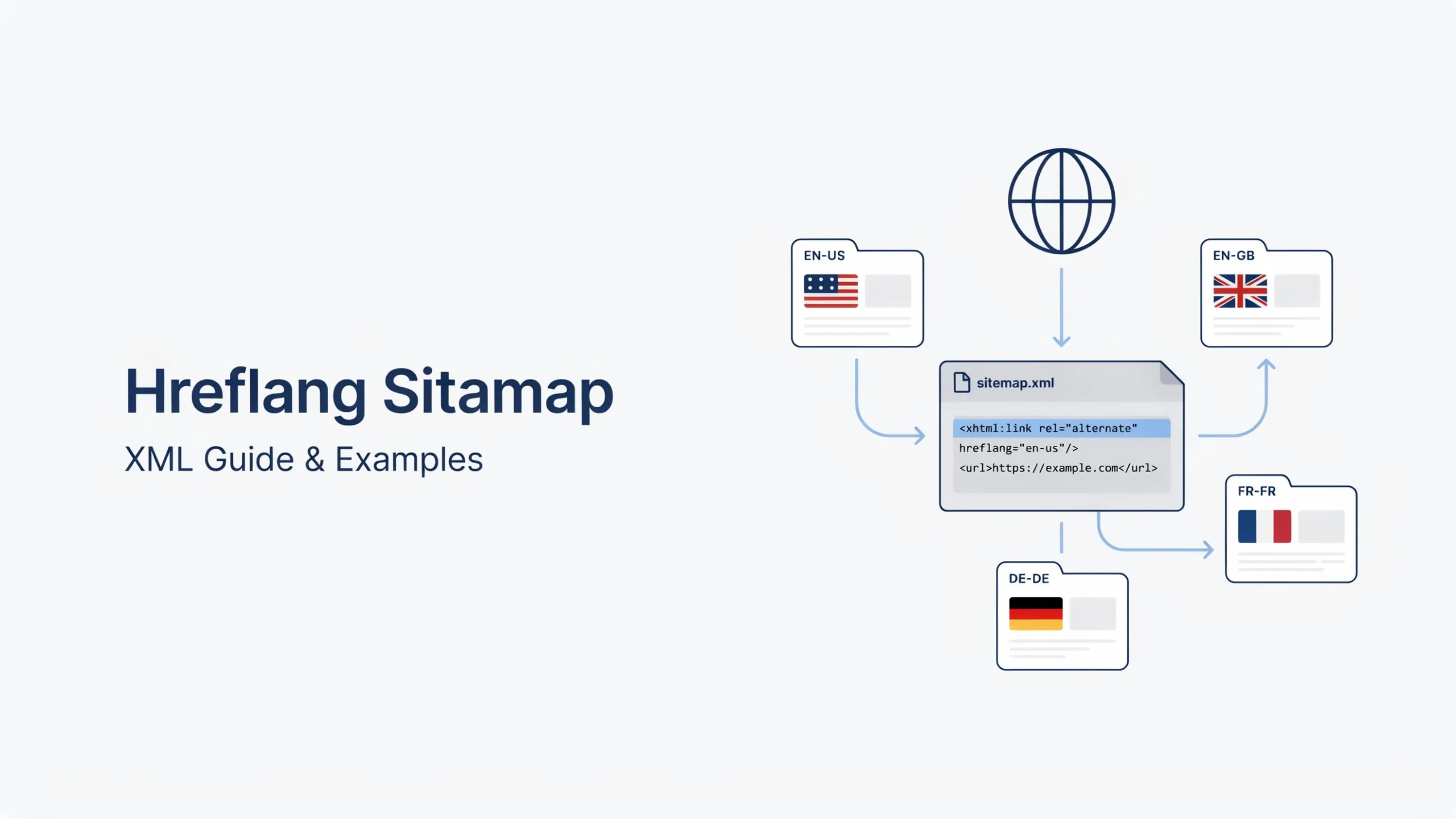
The hreflang x-default value can be implemented in:
- HTML hreflang tags
- XML hreflang sitemaps
- HTTP headers
The implementation method does not change the purpose of x-default. It remains the default URL for users who do not match any targeted language or region.
Hreflang x-default Example
Let’s look at a complete example.
Suppose a website has separate pages for users in the United States, United Kingdom, and France.
<link rel="alternate" hreflang="en-us" href="https://example.com/us/" />

<link rel="alternate" hreflang="en-gb" href="https://example.com/uk/" />

<link rel="alternate" hreflang="fr-fr" href="https://example.com/fr/" />

<link rel="alternate" hreflang="x-default" href="https://example.com/" />
In this setup:
- US users can be directed to the US page.
- UK users can be directed to the UK page.
- French users can be directed to the French page.
- Everyone else can be directed to the default page.
This default page is often a language selector page, an international homepage, or a global landing page that allows users to choose the version most relevant to them.
The key point to remember is that x-default is not another language version. It is a fallback version used when no better match exists.